Why I Started Paying Closer Attention To This Xbox Story
I have owned almost every Xbox console since the original chunky black box landed under my TV years ago. I still remember setting up my first Xbox 360 with a friend, plugging in two wired controllers because we did not own rechargeable battery packs yet, and playing split screen for hours. So when news started circulating about an internal memo describing Xbox as being in serious financial trouble, I read it twice before I believed it. This was not a rumor from an anonymous forum post. It was an actual memo from Xbox leadership, shared with staff and later made public, admitting that the current path simply cannot continue.
What follows is a plain language breakdown of what this memo actually says, why it matters if you own an Xbox Series X, Series S, or play on PC through the Xbox app, and what changes are likely coming over the next year or two. I have also added a full controller button layout guide near the end, because a lot of people searching for Xbox news right now are also trying to figure out their controller setup on PC, especially after recent firmware and driver updates.
What The Leaked Xbox Reset Memo Actually Says
The memo was written by Xbox CEO Asha Sharma and Xbox content chief Matt Booty. It was published on the official Xbox Wire blog and quickly spread through gaming news sites and social media. Unlike most corporate communication, this one did not try to soften the message. The tone was almost blunt, which is rare for a company the size of Microsoft.
The headline numbers are hard to ignore. According to the memo, the Xbox gaming division is on track to close the fiscal year with what Microsoft internally calls an accountability margin of roughly 3 percent. That is the company’s own way of measuring how profitable the gaming business actually is once everything is accounted for. A 3 percent margin is razor thin for a division that brings in over 20 billion dollars in yearly revenue.
Then comes the part that really stood out to me. Excluding the Activision Blizzard King acquisition entirely, Microsoft has spent more than 20 billion dollars over the past five years on content, platform development, and hardware subsidies. During that same five year stretch, annual revenue actually fell by close to half a billion dollars. In other words, Xbox spent an enormous amount of money and still ended up with less revenue than when it started.
The memo also pointed to a hardware component crisis. Storage costs for console parts have more than doubled since Sharma joined as CEO in February, and Microsoft expects those costs to reach roughly five times their 2024 levels by the 2027 holiday season. Memory prices have followed a similar curve. So Xbox is dealing with rising hardware costs at the exact same time its revenue is shrinking, which is about as bad a combination as a hardware company can face.
The Multiplatform Experiment That Backfired
For the last few years, Microsoft has been releasing major Xbox games on PlayStation 5 as well. Titles that were once console selling points started showing up on rival hardware not long after launch. On paper this made sense for short term revenue. More platforms means more potential buyers, and more buyers means more revenue from a single game.
But here is the problem, and honestly this is something a lot of long time Xbox owners like myself were saying for a while. If the biggest reason to buy an Xbox console disappears because that same game is available on a competitor’s box, why would someone choose Xbox hardware at all? The console itself stops being special. It becomes just another way to play games you could play somewhere else.
The memo more or less admits this. Selling games on rival platforms gave Microsoft a quick injection of cash in the short term, but it slowly broke the core Xbox console ecosystem. Loyal Xbox owners started feeling like second class citizens. Some of them simply stopped spending as much within the Xbox ecosystem, whether that meant Game Pass subscriptions, digital purchases, or add ons. When your most dedicated customers pull back, that hits a lot harder than losing a few casual buyers.
Microsoft’s quarterly numbers back this up. In the most recent quarter, gaming revenue dropped 7 percent to 5.3 billion dollars. Hardware sales fell a staggering 33 percent because fewer consoles were sold, and content and services revenue dropped 5 percent as well. Those are not small numbers for a company of Microsoft’s size.
Why Xbox Is Going Back To Console Exclusives
Chief Strategy Officer Matthew Ball spoke about this shift in a recent interview, and his comments were surprisingly honest. He admitted that keeping a game exclusive to Xbox means it will sell fewer total copies than if it launched everywhere. There is no getting around that math. But he argued this is a necessary trade off if Microsoft wants its actual Xbox console business to survive and grow.
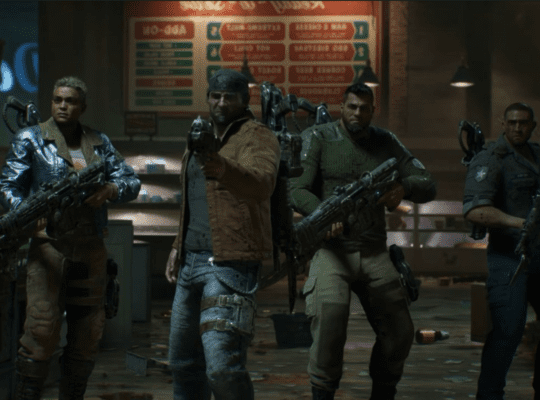
This is where things get interesting for fans of upcoming games. At the most recent Xbox Games Showcase, Sharma confirmed that Gears of War E Day and Clockwork Revolution will release as Xbox console exclusives rather than appearing on PlayStation. There were even reports that a PlayStation 5 version of the new Gears of War game was already in development and was scrapped once Sharma made the call to keep it exclusive.
If you ask me, this is the clearest sign yet that the strategy is genuinely changing direction, not just talk for a press release. Scrapping work that was already underway is expensive and embarrassing. Companies do not do that unless leadership is serious about a new direction.
The bigger question is whether this exclusivity push extends to the truly massive upcoming releases. The Elder Scrolls 6 and Fallout 5 are the kind of games that genuinely sell hardware on their own. If either of these ends up on PlayStation as well, it would undercut the entire reset strategy. From a pure business standpoint, these titles are the ones that need to stay tied to Xbox hardware and Windows PC if the recovery plan is going to mean anything.
What Nintendo And Sony Have Always Understood
It is worth stepping back and looking at how the rest of the industry handles this. Nintendo could absolutely sell millions of extra copies of a new 3D Mario game if it released on PlayStation or Xbox. Sony could do the same with God of War on other platforms. Both companies have resisted that temptation for decades, even when it would mean an obvious short term revenue boost.
Why? Because the console itself is the product they are really selling. The games are the reason people buy the hardware, subscribe to online services, and stay loyal to that brand for console generation after console generation. Once you give away the reason to own the hardware, you are left selling a box that does the same thing as every other box, just with a different logo on it.
Matthew Ball touched on this too. He pointed out that the multiplatform approach made it genuinely hard for Microsoft to explain to regular shoppers why they should pick up an Xbox Series X over a PlayStation 5, since most of the big games were available on both anyway. Exclusives solve that problem instantly. They give a shopper a concrete reason to choose one box over the other.
Layoffs, Studio Closures, And The Cost Of A Reset
Unfortunately, a strategy reset of this size rarely comes without painful internal changes. Reports suggest Microsoft is preparing to cut up to 1,000 jobs around the end of June, timed with the close of its fiscal year. Several studios are reportedly facing closure or major restructuring as part of this process.
The memo itself frames this as part of fixing what it calls an overextended studio system. In simple terms, Microsoft owns a huge number of game studios after years of acquisitions, including the Activision Blizzard King deal, and not all of them are contributing in a way that justifies their cost. When a company says it needs to focus on big blockbuster franchises during a financial crunch, that almost always means smaller or underperforming teams are at risk.
I understand the business logic here. When margins are this thin, leadership wants resources concentrated on the games most likely to drive console sales and Game Pass subscriptions. But there is a real risk in swinging too far in that direction.
Why Smaller Games Still Matter For The Xbox Library
One example that gets brought up a lot, and for good reason, is Grounded. It was a smaller scale survival game made by a relatively small team, and it ended up becoming a genuine surprise hit. It brought in players who might never have touched a massive open world RPG, and it added variety to a library that can otherwise feel dominated by the same few franchises.
If Xbox studios pull back entirely from smaller, creative projects in favor of only chasing the next huge blockbuster, the library risks becoming repetitive. Players notice that. A healthy ecosystem usually needs a mix of massive system selling games alongside smaller, riskier projects that occasionally turn into something special. There has been some discussion around how Microsoft plans to balance this, including reports tied to its broader PC compatibility plans, which could open up new ways for smaller titles to find an audience without needing console exclusivity to justify their existence.
The Development Delay Problem Nobody Wants To Talk About
There is another issue buried in this story that does not get nearly enough attention, and it is one I think about a lot as someone who has been waiting on certain games for years. Microsoft has multiple high profile projects that have been in development for what feels like forever. Fable and Perfect Dark are two examples that have been talked about for close to a decade in some form or another without a release.
Long development cycles are not unusual in modern gaming, but there is a point where it stops being normal and starts being a financial liability. Every extra year a game spends in development is another year of salaries, office space, tools, and overhead with zero revenue coming back. When your accountability margin is sitting at 3 percent, you simply cannot afford multiple projects sitting in limbo for years at a time.
If the Xbox reset is going to work, it almost certainly needs to include tighter production timelines and clearer milestones for these long delayed projects. Either they ship within a reasonable window, or hard decisions get made about whether they continue at all.
What This Means For Project Helix And The Next Xbox Console
One detail that connects all of this together is the next generation Xbox hardware, reportedly codenamed Project Helix. Early reports describe it as a hybrid Xbox and PC design, something closer to a competitor for the Steam Deck rather than a direct PlayStation rival in the traditional sense.
Component costs are putting real pressure on this project. DRAM prices have reportedly risen somewhere in the range of 58 to 63 percent, and NAND flash prices have climbed even higher, somewhere around 70 to 75 percent during this period. Matthew Ball has acknowledged that demand for components already exceeds supply, and the hardware team is actively reworking the design to avoid pricing regular consumers out of the next console entirely.
There have also been reports that Sharma is exploring a more affordable Xbox console option for this year, which would make sense given everything in the memo. If component costs are this volatile, offering a lower cost entry point could help Xbox keep new players coming into the ecosystem even while the higher end hardware deals with rising prices.
What Xbox Owners Should Actually Expect Going Forward
Putting all of this together, here is what seems most likely over the next year or so based on everything in the memo and surrounding reports.
Major first party games are far more likely to stay Xbox console exclusives, at least at launch, with Gears of War E Day and Clockwork Revolution already confirmed as examples. The Elder Scrolls 6 and Fallout 5 will be watched closely, since these are the titles that genuinely move hardware. Game Pass is likely to remain central to the ecosystem strategy, since subscriptions and ongoing engagement are exactly the kind of long term revenue the memo says Microsoft needs more of. Studio restructuring and layoffs are expected around the end of June, with some smaller or underperforming teams facing closure. Hardware pricing could shift, possibly including a more affordable console option, while the next generation Project Helix hardware continues development under pressure from rising component costs.
I will be honest, as someone who has stuck with this platform for a long time, part of me is relieved to see leadership actually acknowledge the problem instead of pretending everything is fine. The harder part is whether the follow through matches the messaging once the initial announcements fade from the news cycle.
Full Xbox Controller Button Layout Guide For PC And Console
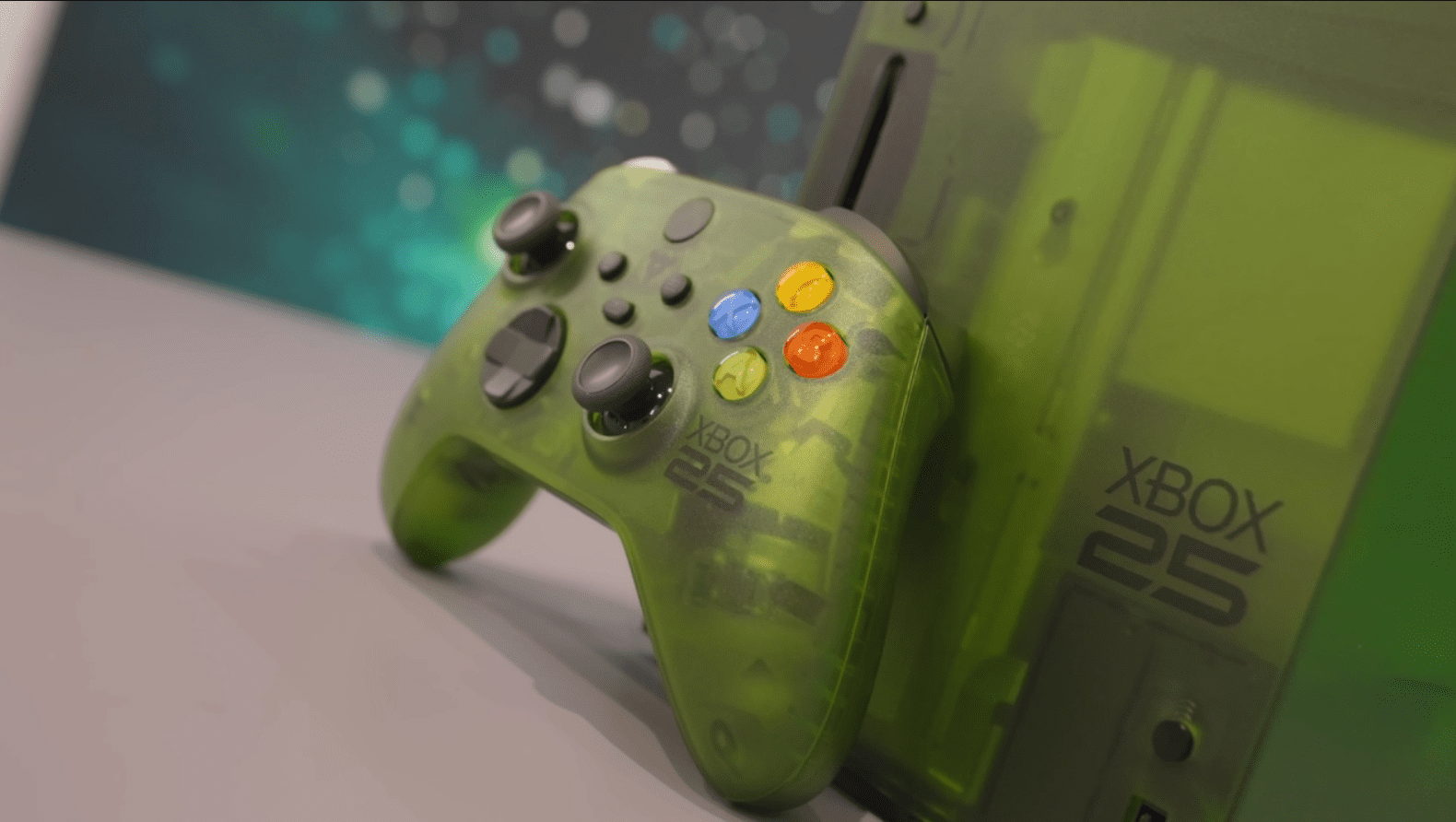
Since a lot of people researching Xbox news right now are also setting up controllers on PC, especially with the Xbox app and newer driver updates, here is a complete breakdown of every button on the standard Xbox Wireless Controller, how it works on console, and how it maps when you plug it into a Windows PC or Steam.
Front Face Buttons
The four main buttons on the right side of the controller are A, B, X, and Y, arranged in a diamond shape. On Xbox console, A is typically used to confirm selections, jump, or interact with objects. B usually backs out of menus, cancels actions, or triggers a secondary attack in games. X often handles reload, melee attacks, or interact prompts depending on the game. Y is commonly used for switching weapons, opening inventory menus, or jumping in certain titles.
On PC, these same letters carry over directly in most games that support native controller input, since Windows recognizes the Xbox controller as the default gamepad standard. Steam also uses this same A B X Y layout by default, though Steam’s controller configuration tool allows you to remap any of these to keyboard keys or other inputs entirely.
Thumbsticks And Directional Pad
The left thumbstick handles movement in almost every game, whether that means walking, running, or steering a vehicle. The right thumbstick controls camera movement or aiming, depending on the genre. Both thumbsticks can also be pressed down like buttons, referred to as L3 and R3 on console or Left Stick and Right Stick on PC. These clicks are commonly used for sprinting, melee attacks, or zooming in on a scope.
The directional pad, often called the D pad, sits on the left side of the controller below the thumbstick. On console, the D pad is frequently used for quick item selection, weapon switching, or navigating menus. On PC, the D pad usually mirrors this behavior, though some games allow it to be remapped to additional hotkeys, which is especially useful in strategy games or simulators where you need quick access to multiple commands.
Shoulder Buttons And Triggers
The shoulder buttons, labeled LB and RB, sit on the top edge of the controller and are pressed with your fingers. These are commonly used for cycling through weapons, abilities, or camera angles. The triggers, labeled LT and RT, sit underneath the shoulder buttons and are pressed with your fingers in a squeezing motion. These are pressure sensitive on most Xbox controllers, meaning games can detect how hard you press, which is often used for acceleration in racing games or aiming down sights in shooters.
On PC, LB and RB typically map directly without issue. LT and RT also work the same way in most modern games, though some older PC titles or emulators may need the trigger sensitivity adjusted in software since not every program reads the analog trigger data correctly by default.
Menu, View, And Xbox Buttons
The button in the center with the Xbox logo turns the controller on, wakes the console from sleep, and opens the guide menu where you can check notifications, party chat, and settings. On PC, pressing this button opens the Xbox Game Bar overlay, which gives quick access to screen recording, performance stats, and Xbox social features.
The Menu button, which used to be labeled as the Start button on older controllers, typically opens the pause menu or main game menu. The View button, previously called the Back button, often brings up maps, inventory screens, or secondary information panels depending on the game. Both of these carry over to PC exactly as they function on console, since most PC games follow the same input conventions for controller support.
Share Button
Newer Xbox controllers include a dedicated Share button located between the two thumbsticks near the bottom of the controller. On console, pressing this captures a screenshot, and holding it captures a short video clip of recent gameplay. On PC, this button is often tied into the Xbox Game Bar capture tools, allowing you to take screenshots or clips in a similar way, though some third party software may not recognize this button at all depending on how the controller is connected.
Bumpers, Paddles, And Pro Controller Extras
If you are using an Xbox Elite controller or similar premium model, there are additional paddles on the back of the controller. These can be mapped to duplicate any of the existing buttons, which is popular among players who want to keep their thumbs on the sticks at all times, such as jumping or reloading without lifting a finger off the right stick. On PC, these paddles are configured through the Xbox Accessories app, and the mappings you set will generally apply across both console and PC if you use the same controller for both.
Setting Up Your Xbox Controller On PC
If you are connecting an Xbox controller to a PC for the first time, there are three common ways to do it. The first is using a USB cable, which works instantly with no setup since Windows recognizes Xbox controllers natively. The second is Bluetooth, available on newer Xbox Wireless Controllers, which pairs through the Windows Bluetooth settings menu just like a pair of headphones. The third is using the official Xbox Wireless Adapter for Windows, which gives a slightly more stable connection than Bluetooth and supports multiple controllers at once.
Once connected, most modern games detect the controller automatically and display the correct A B X Y button prompts on screen. If a game shows PlayStation style prompts instead, that usually means the system is misreading the controller, and switching the input mode in the game’s settings menu, or reconnecting the controller, typically fixes it.
Remapping Controller Buttons On PC
For players who want to customize their layout, there are a few reliable options. The Xbox Accessories app, available through the Microsoft Store, allows you to remap buttons, adjust trigger sensitivity, and create custom profiles that save directly to the controller’s memory, meaning your settings carry over to console as well. Steam offers its own controller configuration tool, which works even for non Steam games added to your library, and allows extremely detailed remapping including combining multiple inputs into a single button press. Third party tools also exist for advanced users who want to map controller inputs to full keyboard and mouse commands, though these are generally used for specific accessibility needs or older games that lack native controller support.
Common Controller Issues And Quick Fixes
A few problems come up often enough that they are worth mentioning directly. If your controller disconnects randomly on PC, it is often a Bluetooth interference issue, and switching to a USB connection or the official wireless adapter usually resolves it. If button prompts appear incorrect in a game, checking the game’s input settings for a controller type option, and toggling it manually, generally fixes the mismatch. If triggers feel unresponsive in racing or shooting games, checking the dead zone and sensitivity settings within the game itself, rather than assuming the controller is broken, solves the issue more often than people expect. If your controller works on console but not on PC, updating the controller firmware through the Xbox Accessories app before trying again almost always resolves driver related conflicts.
This story is bigger than just one leaked memo. It is a rare moment where a major gaming company has openly admitted that years of strategy decisions did not pay off the way leadership expected. Whether the return to exclusives, the layoffs, and the renewed focus on the Xbox ecosystem actually turns things around depends entirely on execution over the next twelve to eighteen months.
As someone who has spent a lot of hours on this platform, I am cautiously optimistic. The honesty in this memo is unusual, and unusual honesty from a company this size sometimes signals that real change is coming rather than just more talking points. For now, the safest bet is to keep an eye on how The Elder Scrolls 6 and Fallout 5 are handled, since those decisions will say more about the future of Xbox than any press release ever could.