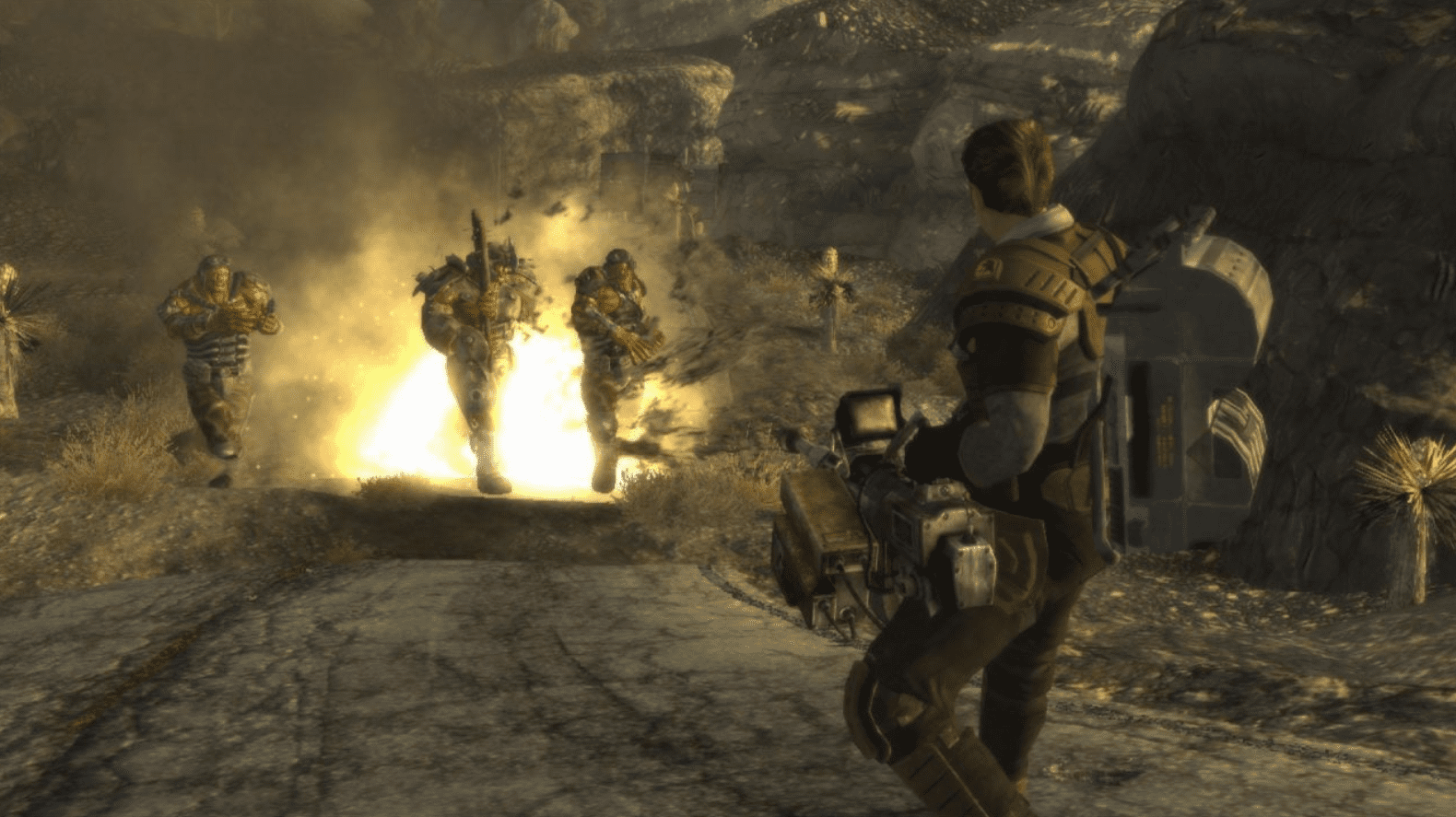
I have restarted Fallout New Vegas more times than I can count on two hands. Every time a new mod drops, every time I’m bored on a Sunday, every time someone online argues about whether Caesar’s Legion is actually the “evil” faction, I end up back in Goodsprings with a 9mm pistol and a grudge against Benny. So when the remake chatter started picking up steam again in mid 2026, I didn’t just skim the headlines. I went down the rabbit hole, read the threads, checked the sources, and tried to figure out what’s actually going on versus what’s just fans wanting something so badly they’ll believe almost anything.
This article breaks down where the Fallout New Vegas remake rumors currently stand, why the timing makes sense for Bethesda, why some industry voices are pushing back hard against the idea, and what a remake would realistically need to get right. I’m also throwing in a full controller and keyboard layout guide near the end, because if you’re going back into the Mojave while we wait for news, you might as well have your controls sorted out properly.
The Insider Comment That Restarted Everything
The latest round of speculation kicked off when a well known industry insider was asked directly about the New Vegas remake rumors on social media. Instead of brushing it off the way insiders often do when a rumor is baseless, the response was something along the lines of “the previous rumors have merit.” That’s a pretty loaded phrase. It’s not a confirmation, but it’s also not nothing. When someone with a track record of accurate leaks chooses those specific words, gaming communities tend to take notice, and that’s exactly what happened.
What made this comment land harder than usual is that it wasn’t an isolated claim. A separate leaker, one known for accurately calling details on a Zelda Ocarina of Time remake before it became public knowledge, also backed the earlier reports. Two different people, with two different track records, pointing in the same direction within days of each other. That’s the kind of overlap that gets people paying attention again, myself included.
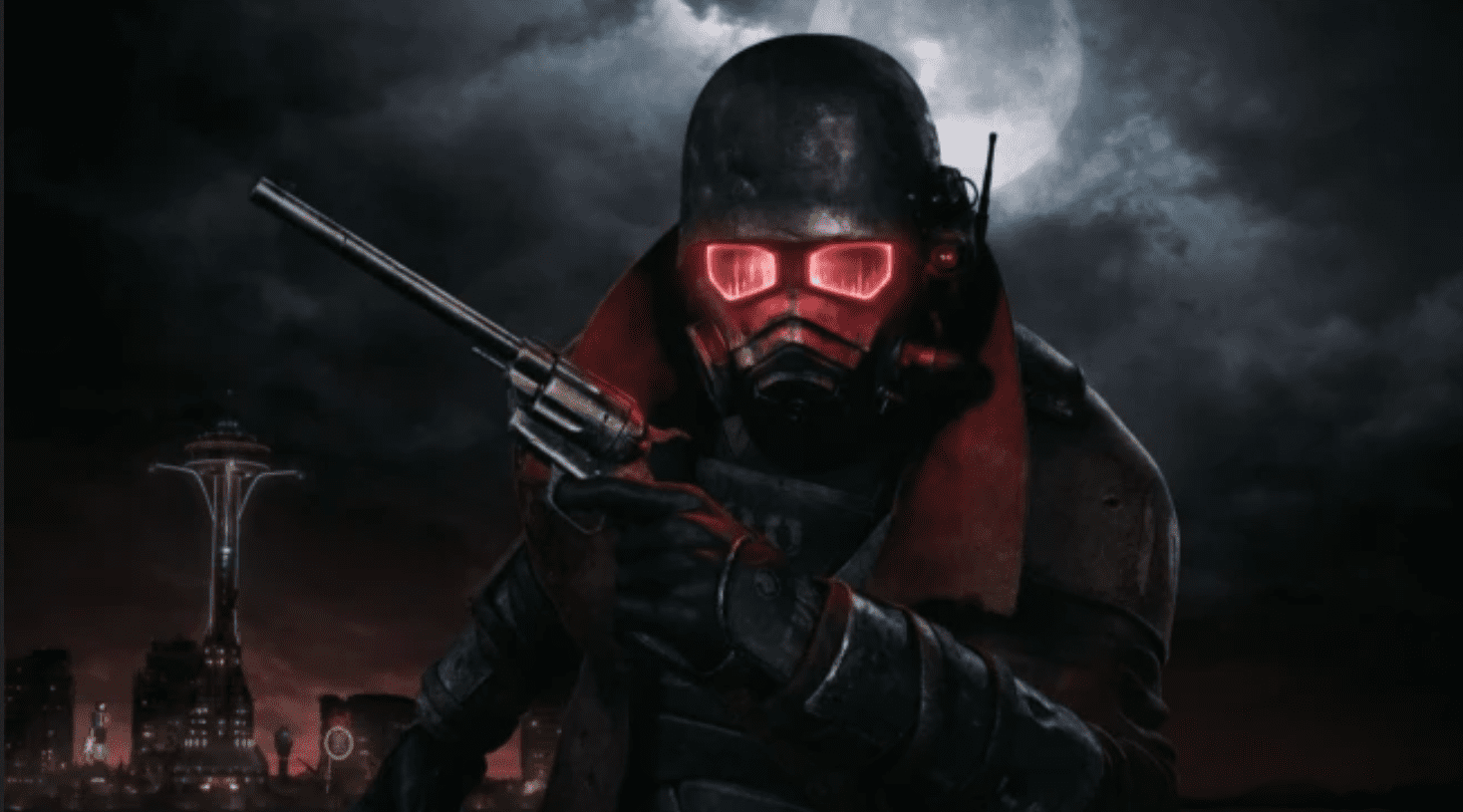
Where These Rumors Actually Started
To understand why people are taking this seriously, you have to go back a bit. Reports from outlets covering Xbox’s internal roadmap suggested that Bethesda had longer term plans involving both Fallout 3 and Fallout New Vegas getting remaster or remake treatments. The general idea floating around was that Fallout 3 would likely come first, with New Vegas following at some point after.
Since those original reports, the rumor has had a strange life. There have been moments where it looked dead, including a public denial from a studio after fans connected a teaser image to the project, only for that studio to clarify it was unrelated. There have also been moments where new evidence appeared to support it, like a toy listing from a well known figurine company that referenced characters and armor from New Vegas under what looked like a “New California” branding, alongside an already rumored Fallout 3 remaster line.
So the rumor mill has been a rollercoaster. Up, down, denied, revived, denied again, and now back up with two separate insiders backing it within the same week. If you’ve followed gaming leaks for any length of time, you know this pattern usually means something is happening behind the scenes, even if the final product or timeline is still far from locked in.
Why Now Makes Sense For Bethesda
Timing matters a lot here, and honestly, this is the part that convinces me something is probably cooking even if it’s early.
Fallout is more popular right now than it has been in years. The television series introduced the franchise to a massive new audience, many of whom had never touched a Fallout game before watching the show. Fallout 76 is still alive and getting meaningful updates, including new companion features that keep its community engaged years after a rocky launch. Meanwhile, Fallout 5 is reportedly years away, with Bethesda’s internal focus currently centered on The Elder Scrolls VI, a project that itself has been in development for what feels like forever.
That leaves a pretty wide gap. If Bethesda wants to keep the Fallout momentum going without rushing a mainline sequel, reviving one of the most beloved entries in the series is a smart way to bridge that gap. It keeps the brand visible, it gives the TV show’s new fans something accessible to play that connects to the wider lore, and it buys time for Fallout 5 to be developed properly instead of rushed.
There’s also a precedent. Bethesda already proved with the Oblivion remaster that this kind of project can work, both creatively and commercially. That remaster reportedly performed well enough that it led to a wave of internal investment and even studio expansion to handle future remaster work. If that model worked for The Elder Scrolls, there’s no obvious reason it couldn’t work for Fallout New Vegas, assuming the technical hurdles can be solved.
Why Fallout New Vegas Specifically Deserves This
I think people who haven’t played New Vegas sometimes underestimate just how good it actually is, even by today’s standards. This is a game that’s well over fifteen years old and people are still actively debating its factions, its endings, and its companions like it came out last year.
The writing holds up. The faction system, where you can side with the New California Republic, throw your support behind Caesar’s Legion, back Mr. House’s plan for an independent Vegas, or push for a fully independent Vegas under your own control, still feels more meaningful than choice systems in a lot of modern RPGs. Your decisions don’t just change a cutscene at the end. They reshape the entire region, change which NPCs are alive, alter trade routes, and affect how settlements function.
On top of that, the DLC expansions for New Vegas are frequently cited as some of the best add on content ever made for an RPG. Dead Money, Honest Hearts, Old World Blues, and Lonesome Road each have their own identity, their own tone, and their own standalone stories that still get brought up in “best DLC ever” discussions today.
The 18 Month Development Story Everyone Forgets
Here’s something that doesn’t get talked about enough when people discuss a potential remake. Obsidian developed Fallout New Vegas in roughly eighteen months. For a game of that scale, with that much branching content, that’s an absolutely wild turnaround time. It’s honestly one of the more impressive feats in RPG development history when you actually sit and think about it.
But that speed came with a cost. Developers have talked openly over the years about content that got cut, areas that were scaled back, and ideas that never made it into the final game simply because the clock ran out. Some of this stuff has been documented by modders who found unused assets, abandoned quest markers, and leftover dialogue still sitting in the game files.
This is actually the part of the remake conversation that excites me the most, more than any graphical upgrade. A remake isn’t just a chance to make the Mojave look prettier on a modern television. It’s potentially a chance to finally finish what Obsidian started but didn’t have time to complete. Areas that were supposed to be bigger, quests that were supposed to branch further, companions who were supposed to have more to say. If even a fraction of that cut content got restored or expanded, it would feel like getting a genuinely new experience inside a familiar world.
The Oblivion Remaster Blueprint
A lot of the optimism around this rumor ties back to how Bethesda handled the Oblivion remaster. Rather than just slapping a higher resolution texture pack on the old game and calling it a day, the approach reportedly kept the original game’s core systems, quests, and structure intact while rebuilding the visual presentation in a modern engine.
If Bethesda applies a similar approach to Fallout 3 and Fallout New Vegas, you’d theoretically end up with something that plays familiar to longtime fans but looks and feels like a current generation release. Lighting, character models, environmental detail, animations, all of that gets a serious upgrade, while the writing, quests, and world design that made the original special stay mostly untouched.
This middle ground approach seems to be exactly what a chunk of the fanbase wants. Most longtime players I’ve talked to or seen posting online aren’t asking for New Vegas to be reimagined or have its story changed. They want it to look and run like a modern game while keeping everything that made it special in the first place.
The Source Code Problem Nobody Can Fully Answer
Now here’s where things get murky, and where I think a lot of optimistic coverage skips over some real concerns.
Some former Obsidian developers have publicly expressed doubt about how feasible a true remake or remaster actually is. The concern centers on the source code and the underlying engine architecture. Fallout New Vegas runs on a heavily modified version of the Gamebryo engine, the same lineage Fallout 3 and Fallout 4 used before Bethesda moved toward their Creation Engine for later titles. Reports have suggested that getting the original New Vegas codebase into a state that’s compatible with modern engines and modern hardware standards is a much bigger technical lift than people assume.
There’s also been talk about ownership and access to that source code being a complicating factor, since New Vegas was developed by Obsidian rather than Bethesda Game Studios internally, even though both are now under the same Microsoft umbrella. Whether that’s actually a legal hurdle or more of a logistics and documentation issue is something only people inside these studios really know.
One workaround that’s been floated by industry commentators is a “wrapper” approach. The idea here is that instead of fully rebuilding the game’s code, developers could keep the original game’s logic and data largely intact while wrapping the whole thing in a modern engine, something like Unreal Engine 5, to handle the visuals, lighting, and input systems. In theory, this could let a team modernize the look and feel of the game without needing to untangle fifteen plus year old spaghetti code from the inside out.
If that approach is genuinely being explored, it would also explain why these rumors keep surviving despite repeated denials and skepticism. A wrapper based remaster is a very different technical project than a ground up remake, and it’s the kind of thing that could realistically be done by a smaller support studio working alongside Bethesda, similar to how other remaster projects have been handled in the industry.
What Fans Actually Want From This
If you spend any time in Fallout communities, you’ll notice the conversation around a potential remake isn’t really about graphics first. It’s about preservation.
The things that come up over and over are the writing, the faction reactivity, the freedom to approach quests in multiple ways, and the overall sense that your choices actually mattered in a way that few RPGs since have matched. People are nervous about a remake potentially “smoothing over” some of the rougher, weirder, more morally grey aspects of the original in an attempt to make it more palatable for a 2026 audience. That fear isn’t unreasonable. Plenty of remakes across the industry have softened original content in ways that changed the tone of the experience.
For New Vegas specifically, the worry is that something gets lost if the writing team tries to “modernize” dialogue, simplify the faction systems, or streamline the more obscure side quests that don’t get much attention but add a lot of texture to the world. The original game trusted players to read, to think, and to deal with consequences that weren’t always clearly telegraphed. A remake that strips that away in favor of more guided, hand holdy design would miss the entire point of what made the game beloved in the first place.
How The TV Show Changed The Conversation
It’s worth talking about the Fallout television series here too, because it genuinely shifted who’s part of this conversation now. Before the show, discussions about a New Vegas remake were mostly happening among existing fans who already knew the game inside and out. After the show, you’ve got a much bigger audience who knows the Fallout universe through the lens of the TV adaptation and is now curious about the games that built that universe in the first place.
New Vegas sits in an interesting spot here because its setting, the Mojave, California, and the broader New California Republic lore, connects directly to themes and locations that the show has touched on. For a lot of newer fans, New Vegas isn’t just “an old game people talk about.” It’s a missing piece of a universe they’re already emotionally invested in through the show. That’s a pretty powerful incentive for Bethesda to make that game more accessible to a modern audience, whether through a remaster, a remake, or even just a more aggressive marketing push around the existing release.
Why I’m Cautiously Hopeful, But Not Holding My Breath
Here’s my honest take after going through all of this. The volume of chatter, the number of separate insiders backing the same general claim, the toy line evidence, the Oblivion precedent, and the obvious gap in Bethesda’s release schedule between now and Fallout 5 all point toward something being in motion. I don’t think this is purely fans wishing something into existence anymore. There’s too much smoke for there to be nothing at all.
That said, “something is in motion” and “this is releasing soon” are very different statements. The technical concerns raised by former developers are real, not just pessimism for the sake of it. Engine compatibility, source code access, and maintaining feature parity across platforms are genuinely hard problems, especially for a game built the way New Vegas was, under serious time pressure, with code that’s now over fifteen years old.
My personal guess, and this is just a guess based on patterns I’ve seen with how Bethesda has handled previous reveals, is that if this is real, we’re more likely looking at a surprise reveal followed by a relatively quick release, similar to how the Oblivion remaster was announced and launched on the same day, rather than a long multi year marketing campaign. Bethesda seems to prefer minimizing the window between announcement and release for these remaster style projects, probably to avoid years of hype that could turn into years of scrutiny and comparison before launch.
Until there’s an official announcement, I’d treat this the way I treat most strong rumors. Pay attention, but don’t build your year around it. In the meantime, the Mojave is still right there waiting, and if you’re jumping back in on PC with a controller, or picking it up fresh on Xbox, getting your control scheme sorted out first will save you a lot of frustration. Here’s the full breakdown.
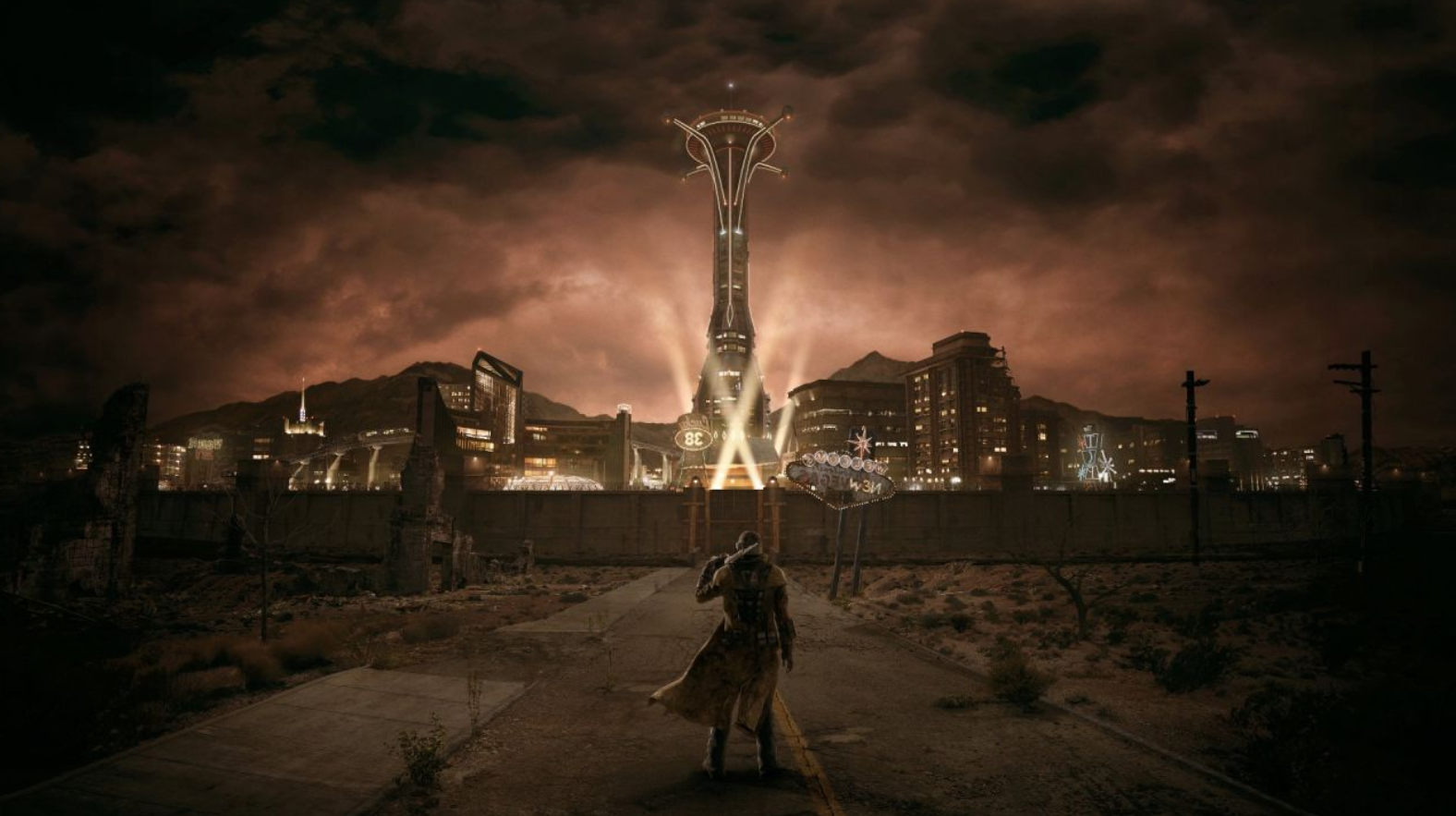
Full Fallout New Vegas Controller And Keyboard Layout Guide
Fallout New Vegas has a reputation for having slightly awkward default controls compared to Fallout 4, mostly because it was built on an older engine foundation and the PC version inherited a lot of its layout from the console builds. Whether you’re playing on PC with a keyboard and mouse, PC with an Xbox controller plugged in, or on an actual Xbox console, here’s everything you need to know to get comfortable fast.
PC Keyboard And Mouse Default Controls
These are the default bindings for the PC version of Fallout New Vegas using a standard keyboard and mouse setup.
Movement
W moves you forward, S moves you backward, A strafes left, and D strafes right. The mouse controls your camera and aiming direction at all times. Holding Left Shift makes you run, while tapping Caps Lock toggles permanent run mode on or off, which is genuinely useful if your finger gets tired holding Shift during long exploration sessions. Q toggles auto move, letting you walk forward hands free, handy for long stretches of empty road. Space bar makes you jump, and Left Ctrl toggles crouch, which is important for both stealth and for fitting through certain tight spaces.
Combat And Interaction
Left Mouse Button is your primary attack or fire button. Right Mouse Button aims down sights with ranged weapons or blocks when using melee weapons. The R key reloads your currently equipped weapon, and holding R holsters it entirely. E is your universal action button, used for opening doors, picking up items, talking to NPCs, and interacting with most objects in the world. Z is specifically used to pick up or drop items in certain contexts, separate from the general E interaction.
V.A.T.S, the Vault Tec Assisted Targeting System that lets you pause combat and target specific body parts, is bound to V by default. Once you’re in V.A.T.S, E confirms your targeting selection and executes the attack.
Camera And Interface
F switches between first person and third person camera views, and you can also do this by clicking the mouse wheel in some configurations. Scrolling the mouse wheel while in third person zooms your camera in and out, and holding the mouse wheel button down lets you adjust your camera viewpoint angle.
Tab brings up and dismisses the Pip Boy, your in game menu hub for stats, inventory, quests, and the map. The number keys 1 through 8 let you quickly swap between weapons you’ve assigned to your quick select wheel, which is one of the more useful shortcuts once you’ve got a solid weapon loadout going.
Other Useful Keys
T triggers the wait function, letting time pass up to a maximum of 24 hours, useful for waiting out radiation storms, syncing up with NPC schedules, or just passing time until a shop reopens. The grave key, the one to the left of the number 1 on most keyboard layouts, opens the pause menu. O, when held, toggles your Pip Boy light on and off, which is essential for navigating dark interiors like Vaults and caves. G is used for throwing grenades and other thrown weapons.
Xbox Controller Layout For PC
If you’re using an Xbox controller on PC, either through Steam Input or a similar setup, the mapping generally follows the same logic as the console version, with the keyboard equivalents working underneath. Here’s how the controller buttons typically translate to in game actions.
Face Buttons
The A Button is your primary interaction and confirm button, equivalent to E on keyboard. It’s used for talking to NPCs, opening doors, picking up items, and confirming menu selections, including confirming your V.A.T.S targeting.
The B Button is used for throwing grenades and other projectile weapons, matching the G key on keyboard. In menus, B typically backs you out of the current screen.
The X Button handles reload, and holding it down holsters your current weapon. In the Pip Boy repair menu, X is also used to repair items using spare components or duplicates.
The Y Button activates V.A.T.S, letting you pause combat and queue up targeted attacks against specific enemy body parts. Holding Y in certain contexts can also be used to scan the area, depending on perks and mods you have active.
Triggers And Bumpers
The Right Trigger is your fire or attack button, equivalent to the left mouse click. It’s your main combat input for both ranged and melee weapons.
The Left Trigger handles aiming down sights for ranged weapons and blocking for melee weapons, matching the right mouse click on keyboard. In the Pip Boy, the Left Trigger is also used to drop selected items.
The Left Bumper is your sprint button, equivalent to holding Shift on keyboard. Holding it lets you move faster for short bursts, which is critical when you need to close distance in combat or make a quick retreat.
The Right Bumper, depending on your setup and any controller profile mods you’re using, can be used to toggle between different controller profiles or quick menus, giving you access to secondary functions layered on top of the primary face buttons.
Sticks And D-Pad
The Left Stick controls movement, pushing it in any direction moves your character accordingly, equivalent to the WASD keys. Pressing the Left Stick in, known as clicking L3, toggles sneak mode, equivalent to Left Ctrl on keyboard.
The Right Stick controls your camera, equivalent to mouse movement. Pressing the Right Stick in, R3, is used for grabbing and manipulating physical objects in the environment, matching the W key in certain interaction contexts.
The D-Pad is primarily used for menu navigation, especially within the Pip Boy, letting you move between the Stats, Items, and Data tabs and scroll through lists of weapons, items, and quests.
Start, Back, And Guide Buttons
The Start Button (or the equivalent Menu button on newer Xbox controllers) opens the Pip Boy, matching the Tab key on keyboard. Holding it can also toggle your Pip Boy light in some configurations.
The Back Button (or View button on newer controllers) is commonly mapped to open the weapon wheel for quick weapon switching, especially when using community made controller profiles, matching the L key function in certain setups.
The Guide button, the central Xbox logo button, is sometimes used by community controller profiles to toggle companion commands or other utility menus, though this varies depending on whether you’re running additional control mods.
Native Xbox Console Controller Layout
On an actual Xbox console, the layout follows a similar logic to the PC controller mapping above, since the PC version’s controller support was largely built around the original console control scheme. The core actions remain consistent.
A confirms actions, interacts with objects and NPCs, and selects V.A.T.S targets. B throws grenades and backs out of menus. X reloads and holsters weapons, and handles repairs in the Pip Boy. Y activates V.A.T.S.
The Right Trigger fires your weapon, and the Left Trigger aims or blocks. The Left Bumper sprints, and the Right Bumper toggles companion commands or quick menus depending on context. The Left Stick moves your character and clicking it toggles sneak. The Right Stick controls the camera and clicking it interacts with objects in the world. The D-Pad navigates Pip Boy tabs and menus. The View or Menu button (depending on your console generation) opens the Pip Boy, and the other system button typically brings up the pause menu.
Customizing Your Controls
One thing worth knowing if the default layout doesn’t feel right to you, and for a lot of players coming from Fallout 4 or other modern shooters it genuinely doesn’t, is that Fallout New Vegas does allow for control remapping through its options menu, though the in game remapping options are more limited than what you’d find in newer titles.
For PC players, the community has built extensive controller profile tools over the years, particularly through mod platforms, that let you create custom Xbox controller mappings tailored to your preferences, including support for secondary control profiles you can toggle between on the fly using the bumper buttons. These community profiles are especially popular among players who want to use a controller on PC but find the default controller support clunky, which is a common complaint about the original release.
If you’re someone who’s used to modern aim assist, sprint toggles, and more intuitive menu navigation, spending ten or fifteen minutes adjusting your control scheme before diving deep into the Mojave will make a noticeable difference in how the game feels, especially during combat heavy sections.
My Closing Note
The Fallout New Vegas remake rumors are louder right now than they’ve been in a long time, and for the first time, the noise is coming from multiple directions at once rather than a single source repeating the same claim. Insider comments, toy line leaks, the Oblivion remaster precedent, and an obvious gap in Bethesda’s release calendar all line up in a way that’s hard to dismiss entirely.
At the same time, the technical concerns raised by people who actually worked on the original game are worth taking seriously. A New Vegas remake or remaster isn’t a simple texture upgrade, and the source code situation alone could be enough to delay or reshape whatever Bethesda has planned.
For now, the best move is the same one Mojave veterans have been making for years. Reinstall the game, get your controls dialed in using the layout guide above, and head back out into the wasteland. Whether the remake happens next year or several years from now, the original is still sitting there, waiting, exactly the way it always has.