I have followed a lot of game reveals over the years. Most of them follow the same pattern: a cinematic teaser, a polished trailer, and then a gameplay demo that underwhelms compared to what was promised. Blood Message is doing something different. After watching the 19-minute gameplay showcase multiple times, I can say this is one of the most genuinely exciting action game reveals I have seen in recent memory.
This is not hype. The footage speaks for itself.
What the 19-Minute Blood Message Gameplay Demo Actually Shows
Before this demo dropped, Blood Message was on my watchlist, but with a question mark next to it. The earlier trailers looked incredible. Too incredible, honestly. The kind of incredible that makes you wonder how much of it is engine footage versus what you will actually play.
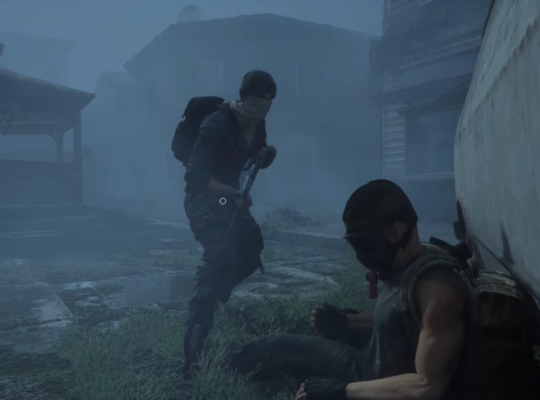
That question is now mostly answered. The 19-minute showcase gives you long uncut stretches of real gameplay. No quick cuts to hide rough edges. No suspiciously smooth camera work that screams “scripted sequence.” You watch the main character move through the world, get into fights, use stealth, chase and get chased, and interact with civilian NPCs in ways that feel alive.
There is no HUD during the demo. That choice was deliberate. It keeps your eyes on the action instead of numbers and bars, and it also makes the presentation look more cinematic. Whether that carries into the final game as a toggle option or a dedicated immersion mode remains to be seen, but it works well here.
Blood Message Combat System Explained
This is where the game earns serious attention. The combat in Blood Message does not feel like it was built around a fixed animation library. It reads more like a system designed to respond to whatever is happening on screen at that moment.
During the demo, the main character blocks attacks from multiple enemies at once, not just from one direction. When enemies come from the left and right simultaneously, the character shifts weight and angles the block accordingly. That kind of contextual response to multi-directional pressure is hard to pull off and harder to make look natural. Blood Message does both.
The improvised weapon moments are some of the best parts. In one sequence, the character hits the ground, reaches out, grabs a nearby object, and uses it to strike an enemy in one fluid motion. It happens fast. It looks real. The transition from falling to grabbing to striking takes maybe two seconds, and it feels completely intentional rather than scripted.
Enemies also get used as weapons themselves. You can slam one into a wall or throw one into another attacker. The physics of these moments look consistent, which suggests they are part of the actual engine rather than pre-baked cutscene moments.
Swordplay and Combo Flow
The melee combat goes deeper than the improvised moments. The swordplay specifically shows a system where dodges, blocks, counterattacks, and combos transition into each other without visible seams. When you dodge an attack and immediately follow with a counter, the animation reads the enemy’s position and adjusts the counter strike accordingly. A hit from close range looks different from a hit after a longer dodge. The finishing move animations change based on where the enemy is standing and what is around them.
That level of contextual animation work is not common. Most action games have a fixed set of finisher animations that play regardless of what is nearby. Blood Message appears to be doing something more dynamic, and it shows.
Enemy Behavior and Ally AI
One thing I noticed that does not get talked about enough is how the allied AI behaves. In most action games, your companions are either aggressive followers who stick close or passive bystanders who wait to be told what to do. Blood Message seems to give allies more independence.
During fights in the demo, allies sometimes engage enemies on their own, help you when you are getting overwhelmed, and at other times step back and let you handle a situation solo. That inconsistency sounds like a problem on paper, but it actually makes encounters feel less predictable. You cannot fully rely on backup, which keeps you engaged.
Enemy AI also reacts to environment and positioning. They do not just walk toward you and swing. They use cover, react to the presence of other enemies, and adjust when the battlefield changes. That responsiveness is what keeps the demo from feeling repetitive over its entire runtime.
Stealth Mechanics in Blood Message
The game is not purely a combat showcase. The demo includes significant stealth sections, and they are worth paying attention to separately from the fighting.
The main character moves through crowded areas, uses civilians as cover, avoids sightlines, and stays quiet in ways that feel mechanically distinct from the combat. This is not stealth bolted onto a combat game as an afterthought. The traversal animations during stealth sections are different from movement in open combat. The character crouches differently, moves through spaces differently, and reacts to nearby NPCs differently depending on alert state.
One sequence shows the character moving through a dense urban area with enemies searching nearby. Civilians react to the commotion when fighting breaks out around them. Some scatter. Some freeze. The NPC reactions feel scripted to the situation rather than random, which adds believability.
According to NoobFeed’s coverage from Summer Game Fest, the movement system in Blood Message was designed specifically to support both high-speed action and careful stealth traversal using the same character controls, which is an ambitious design goal that the demo appears to be delivering on.
Visual Quality and the Gameplay vs Cinematic Debate
One of the biggest conversations around Blood Message before this demo was whether the visuals in earlier trailers represented actual gameplay. It is a fair question. Plenty of games have shown pre-rendered or heavily downgraded footage before release.
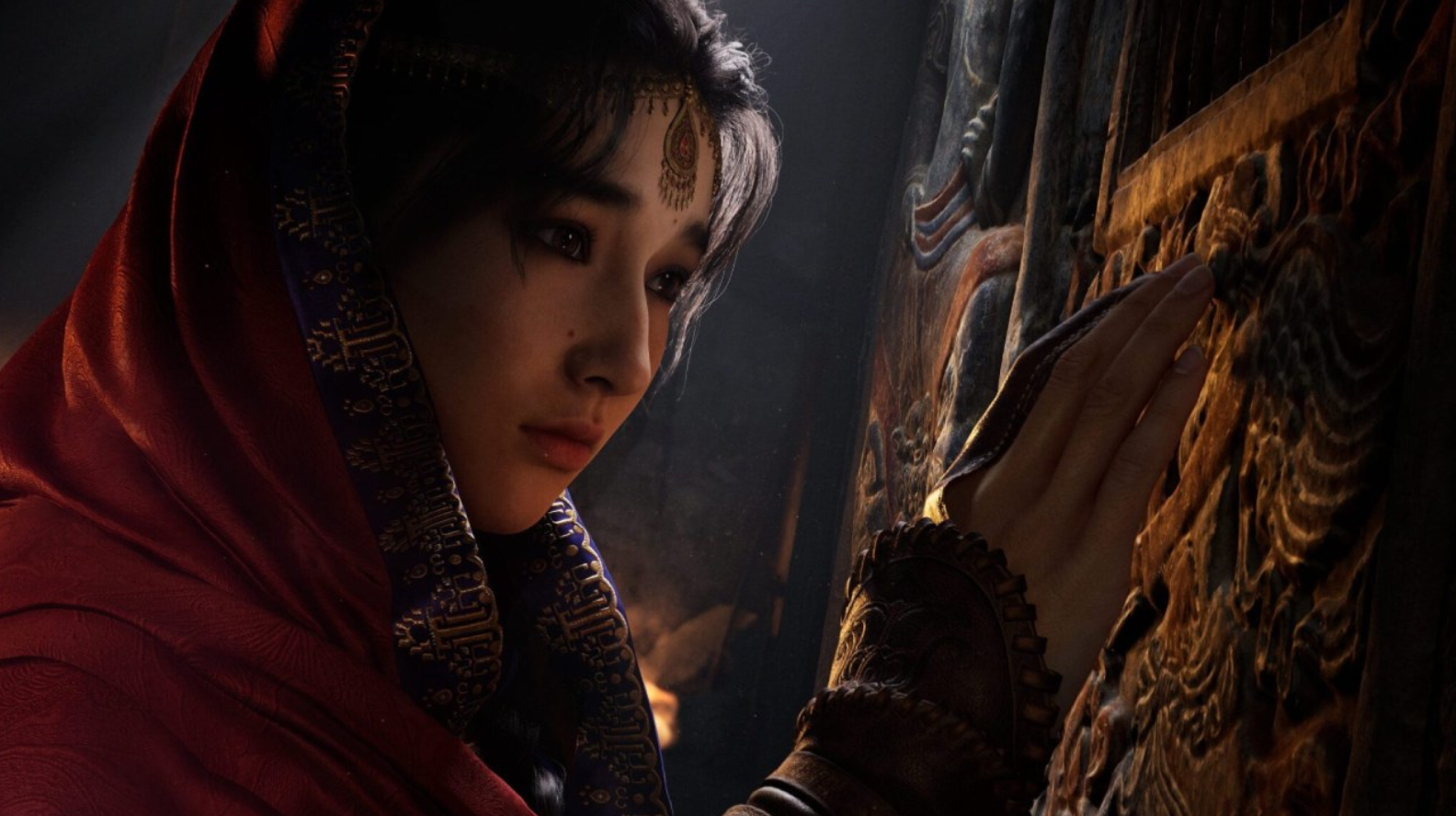
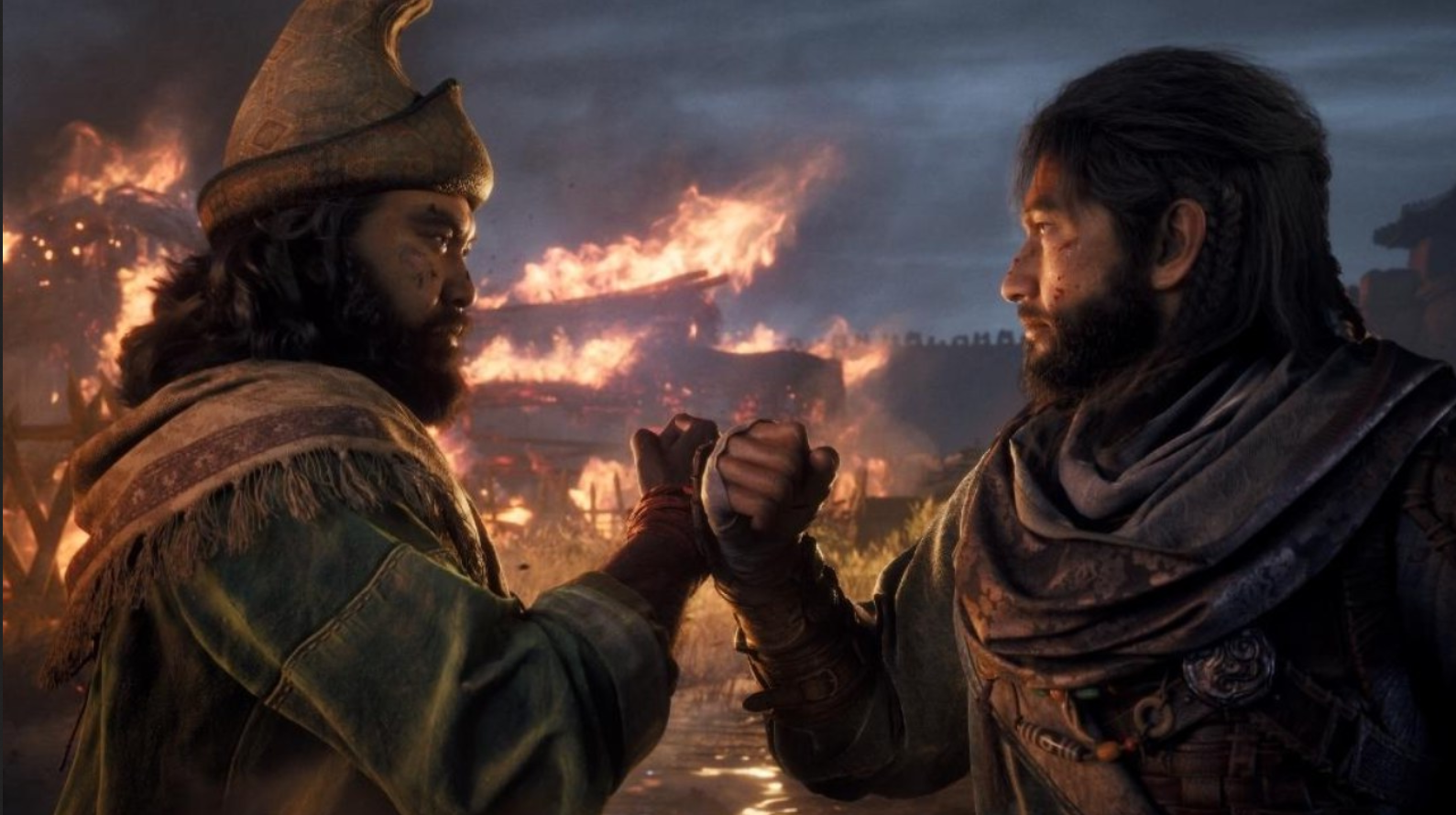
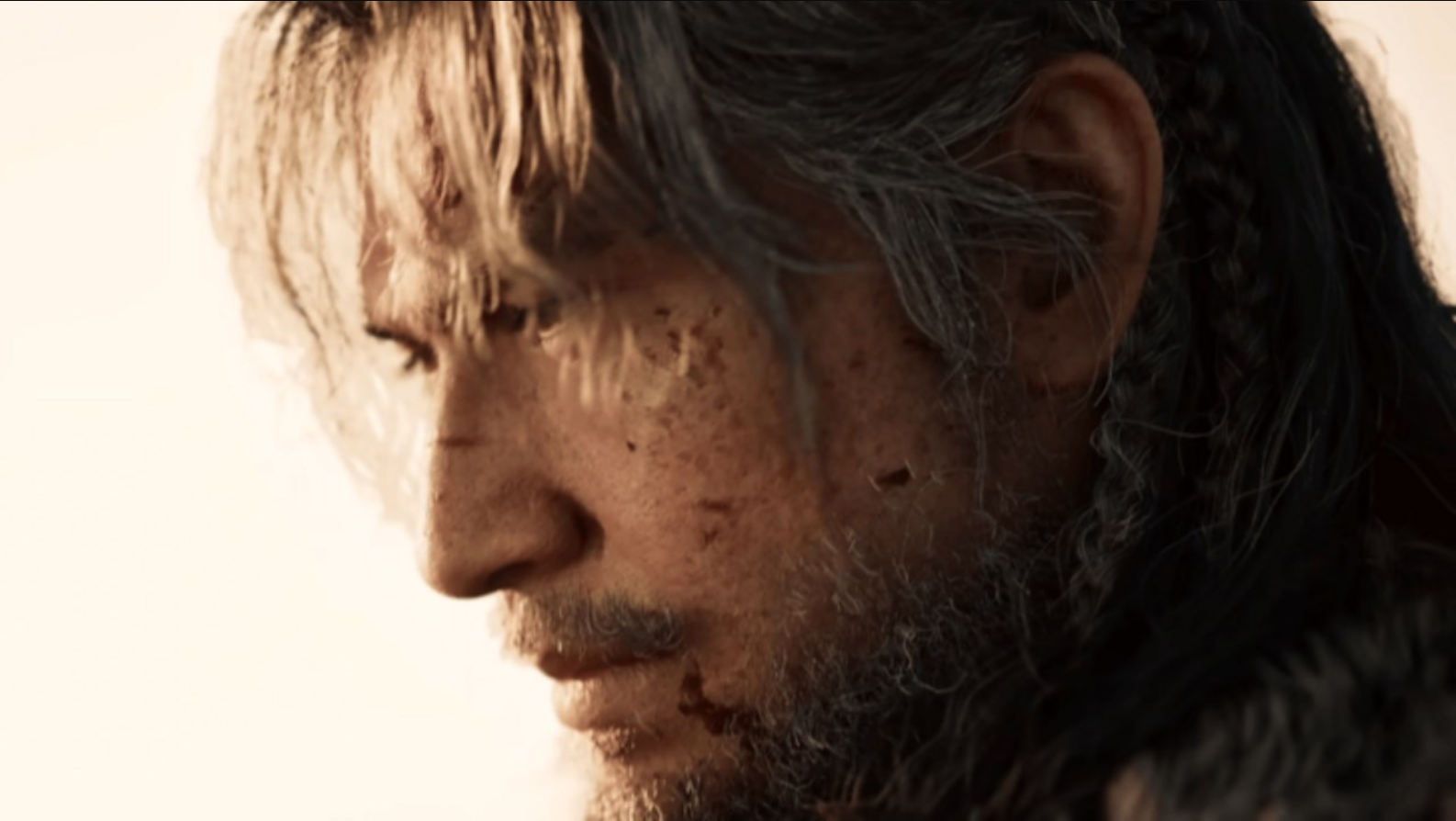
After the 19-minute demo, that concern loses most of its weight. The lighting quality during gameplay matches what was shown in the trailers. Character models hold up under extended observation. Outdoor environments have real texture depth. Animation during combat does not visibly downgrade compared to cutscene moments.
More importantly, the transition between gameplay and cinematic storytelling moments is nearly seamless. You cannot always tell when one ends and the other begins, which is exactly what the developers seem to be going for. That consistency across a 19-minute stretch is a strong signal that what you see in the demo is close to what the final game will look like.
How Blood Message Avoids Repetition Over 19 Minutes
This is actually the most impressive thing about the demo from a design perspective. Keeping a viewer engaged through 19 minutes of action gameplay footage is genuinely difficult. Repetition usually shows up well before the ten-minute mark in most game demos.
Blood Message avoids that by building variety into the combat through environment, enemy positioning, and reactive systems rather than just adding new mechanics every few minutes. The same fight animations appear more than once, especially during stealth takedowns. But the context around them changes each time. A different room layout, different enemy positions, different lighting conditions, different objectives happening simultaneously. The mechanics stay consistent while the situations shift.
According to Games Creed, the best action games maintain player engagement not by constantly adding new mechanics but by giving existing mechanics enough depth to remain interesting across different scenarios. Blood Message appears to understand that principle well.
The pacing also helps. The demo alternates between high-intensity combat, quieter stealth sections, traversal, and story moments. That rhythm prevents fatigue and gives the player’s eyes and attention room to reset between big action sequences.
What Is Still Unknown About Blood Message
Despite how strong the demo is, there are legitimate open questions that the 19 minutes does not answer.
The HUD situation is unresolved. During gameplay with no HUD, it is unclear how health, stamina, ability cooldowns, and resource management will actually be communicated to the player. Most games either use a minimal HUD system or allow full customization. Blood Message will need to address this before release, and the answer matters for players who rely on that information during difficult encounters.
Open world scope is also unclear. The demo is largely guided through specific scenarios. How much of the game allows genuine player freedom, and how large the explorable areas actually are, is not answered by what was shown. The world looks rich enough to support exploration, but the demo does not demonstrate that directly.
As noted in NoobFeed’s story breakdown, the narrative framing suggests a linear story-driven experience, but whether that means a fully on-rails game or something with open areas between story beats remains to be confirmed.
Blood Message Full Controller Layout Guide for PC and Xbox
Based on available information from the demo and standard genre conventions for action-adventure games of this type, here is the most complete controller layout guide available. This covers both standard Xbox controller input and PC keyboard and mouse configuration.
Xbox Controller Layout
The Xbox controller layout for Blood Message follows the conventions of modern third-person action games while adding some context-sensitive inputs that reflect the game’s layered combat system.
Left Stick controls character movement in all states including walking, running, crouching during stealth, and directional swimming if water traversal is included. Pressing the left stick inward activates sprint in combat and traversal contexts.
Right Stick controls camera movement and free look. Pressing right stick inward centers the camera behind the character during exploration and locks onto the nearest enemy during combat.
A Button handles context-sensitive actions. This is your interaction button for picking up items, talking to NPCs, vaulting over low obstacles, and grabbing improvised weapons from the environment during combat. During the demo’s improvised weapon sequences, this button appears to trigger the grab and strike in one input.
B Button is your dodge and roll input. Directional dodge direction is determined by the left stick position at the time of the button press. A neutral press with no directional input triggers a backward step. During stealth, B appears to switch to a shorter crouch step to avoid detection.
X Button handles light attacks and the primary sword strike chain. Repeated presses chain into combos. The game’s animation system reads the final position and environment around the enemy to determine which finisher animation plays, so the same button press can produce visually different outcomes.
Y Button triggers heavy attacks and charged strikes. Holding Y builds into a charged strike with different impact properties. During the demo, heavy hits appear to cause knockback into environmental objects, which is what enables the physics-based enemy throws shown in the footage.
Left Bumper (LB) controls ally commands and the cooperative system. A tap appears to direct ally attention to a specific target. Holding LB opens a radial command menu for more specific instructions to your companions.
Right Bumper (RB) cycles through equipped items and secondary tools. The demo shows the character using environmental items gathered during exploration, and RB appears to be how you access and switch between them.
Left Trigger (LT) is your block and parry input. Holding LT raises guard. A precisely timed LT press when an attack lands triggers a parry instead of a block, which appears to open enemies to a counter combo. The timing window for parries in the demo looks generous but not trivially easy.
Right Trigger (RT) is your primary attack trigger in ranged contexts and executes context actions in close quarters. If the game includes ranged weapons, RT handles aiming and firing. In melee range, RT appears to execute environmental interactions like throwing enemies into objects.
D-Pad Up opens the quick item menu for consumables and healing items, though given the no-HUD presentation, how this will function in the final game needs confirmation.
D-Pad Down switches between combat stance and stealth stance. This mode switch changes movement animations, noise level, and available interactions in the environment.
D-Pad Left and Right cycle through weapon loadouts and alternate tools based on what has been picked up or equipped before the encounter.
Start Button opens the pause menu with full game settings access.
Select / View Button opens the map and objective overview during exploration sections.
PC Keyboard and Mouse Layout
The PC layout for Blood Message follows the standard WASD movement model with mouse-driven camera and several modifier keys that reflect the layered combat system shown in the demo.
W, A, S, D handle character movement in all contexts. Holding Shift while moving activates sprint. Holding Control while moving switches to crouch and stealth movement mode.
Mouse Movement drives the camera in all contexts. During combat, mouse look also influences directional dodge if you are using the keyboard dodge key, giving you more precise control over dodge direction than a controller analog stick in many cases.
Left Mouse Button is your primary light attack and sword strike input. Rapid clicks chain into combos. The combo chain behavior is the same as described above for the X button on Xbox, with the same contextual finisher animation system applying.
Right Mouse Button activates block and parry. A held right click raises guard. A timed click on incoming attack lands a parry. On PC this can feel more precise than a trigger press for experienced players who are used to mouse-based timing.
Middle Mouse Button locks onto the nearest enemy target or cycles between targets if lock-on is already active. Many PC players prefer this over the right stick press equivalent because it does not interrupt camera movement.
Scroll Wheel Up and Down cycles through equipped items and secondary tools, matching the RB behavior on Xbox controller.
Space Bar is the dodge and roll input on PC. Directional dodge follows WASD input at the time of the space press. A Space press with no directional input steps backward, same as the neutral B button behavior on Xbox.
E Key is the context-sensitive interaction key. This matches A button behavior on Xbox and covers item pickups, NPC interactions, environmental vaults, and improvised weapon grabs during combat.
Q Key triggers heavy attacks and charged strikes. Holding Q builds the charged strike. This matches the Y button behavior on Xbox.
F Key opens ally command options and companion interaction, matching LB on Xbox.
R Key handles environmental attack executions and throws, matching RT behavior in close quarters on Xbox.
Tab Key opens the quick item and consumable menu during paused input.
Caps Lock or G Key toggles stealth stance on and off without needing to hold Control, useful for players who want to stay in stealth mode across longer sections without holding a modifier.
M Key opens the map and objective overview during exploration.
Escape Key opens the pause menu and game settings.
1, 2, 3, 4 Keys provide direct access to specific weapon slots and tool loadouts, bypassing the scroll wheel cycling for faster switching in combat.
Advanced Inputs and Combat Techniques
Beyond the base control layout, the Blood Message combat system appears to support several advanced input combinations based on what the demo shows.
Parry into Counter Combo requires blocking at the right moment (LT on Xbox, Right Mouse Button on PC) followed immediately by a light attack input. The demo shows this transition producing a specific counter animation distinct from a standard attack, suggesting the game engine recognizes the parry to attack input window and triggers a dedicated sequence.
The environmental throw mechanics shown in the demo appear to activate when you hold a heavy attack input (Y on Xbox, Q on PC) while an enemy is already staggered and positioned near an environmental object. The game reads the object proximity and triggers the throw or slam rather than a standard heavy hit.
Improvised weapon grabs during knockdown, where the character falls and grabs a nearby item, appear to trigger automatically during specific knockdown states, but can also be manually triggered by pressing the context action input (A on Xbox, E on PC) immediately after a knockback hit while near a usable item.
The ally command system through the radial menu (hold LB on Xbox, hold F on PC) appears to support at least four command types based on the brief glimpses of the interface in the demo: attack target, hold position, follow close, and retreat to safety. More commands may exist in the full game.
Blood Message and the Broader Action Game Landscape
It is worth placing Blood Message in context with other games in the same space. Action-adventure games with cinematic presentation and reactive combat are not rare. God of War Ragnarok set a very high bar for that combination. Ghost of Tsushima showed that fluid swordplay with beautiful environments could carry a full game. Sekiro proved that parry-based combat with no RPG padding can be deeply satisfying if the mechanics are tight enough.
Blood Message is drawing comparisons to all three of those games, and based on the demo, those comparisons feel earned rather than aspirational. The combat appears to have the fluidity of Ghost of Tsushima, the cinematic weight of God of War, and a contextual responsiveness to environment and enemy positioning that echoes Sekiro’s design philosophy without copying its input structure.
What Blood Message is doing that feels distinct from all three is the civilian and ally NPC integration into active combat scenarios. Most action games create clean separation between your fighting space and the non-combat world. Blood Message seems to deliberately collapse that separation, letting civilians get caught in fights, letting allies operate independently, and using populated urban areas as active combat environments rather than backdrops.
That design choice carries risk. If the NPC simulation is not stable, you get chaos that undermines the player’s sense of control. If it is too stable and predictable, it stops feeling alive. What the demo shows suggests the team has found a middle ground, but only the full release will confirm whether that holds up across a complete game.
Developer Approach and Design Philosophy
Based on available coverage from NoobFeed’s feature on how Blood Message challenges AAA conventions, the development team has been intentional about avoiding some of the patterns that make many modern action games feel safe but forgettable. The design appears to prioritize moment-to-moment unpredictability over scripted spectacle.
That philosophy shows in the demo. The fights do not feel like the developers are showing you their best content. They feel like the developers are showing you how the system works, and the system itself produces the interesting moments rather than the team hand-crafting each one.
That is a fundamentally different approach than most action game demos take, and it is a much harder thing to achieve. Pre-scripted action sequences are reliable. Emergent combat systems that look good on their own are genuinely difficult to build and even harder to make look cinematic without the developers controlling every frame.
Blood Message appears to be attempting exactly that, and the 19 minutes of footage available right now suggests they are closer to pulling it off than most expected.
Who Should Be Paying Attention to Blood Message Right Now
If you play action-adventure games and care about combat depth, this is the most interesting upcoming game in that genre based on available information. The combat system shows more layering and contextual response than most games in this space at the same stage of development.
If you are a PC player specifically, the control flexibility that mouse and keyboard provide for timing-based mechanics like parrying makes Blood Message worth watching. Parry windows that feel tight on a controller can feel significantly more manageable on mouse, and the combat system here looks like it rewards precise input.
If you care about narrative-driven action games with cinematic presentation, the story framing from the earlier trailers combined with what the demo shows about how story moments and gameplay integrate suggests this could deliver on both fronts in ways that most games sacrifice one for the other.
Based on the father and son narrative angle covered by NoobFeed, Blood Message has an emotional story core underneath the action. That combination of personal story and reactive combat is the exact formula that made God of War 2018 resonate as broadly as it did. Blood Message is clearly aware of that, and the demo suggests they are not just copying the formula but building something with its own voice.
Final Assessment Before Release
Blood Message went from a promising looking project to a genuine day-one contender after this demo. Not because of hype. Not because of marketing. Because 19 minutes of uncut gameplay is a lot of time to expose a game’s weaknesses, and the weaknesses that showed up were minor compared to the strengths on display.
The combat is reactive, varied, and physically believable. The stealth works as a distinct mode rather than a lesser version of combat. The environment is active and affects fights in meaningful ways. The visuals hold up under extended uncut gameplay observation. The ally and civilian AI adds unpredictability that makes scenarios feel fresh even when mechanics repeat.
There are still questions. HUD design, open world scope, combat variety across a full game runtime, and difficulty balance are all unknowns. But those are normal unknowns for a game not yet released. Nothing in the demo raises red flags that suggest the final product will disappoint on the things that matter most.
The standard for action-adventure games is high right now. Blood Message is not just meeting that standard based on this demo. It is showing the potential to set a new one.