
Mar 29
Warren Potter
I started keeping Crusaders Quest Hero Town open on my second monitor while working, and honestly it became part of my daily routine faster than I expected. It sits quietly on the side of your screen, your little pixel heroes go about their business, and your town slowly builds itself up. You barely have to touch it. That is the whole point.
This guide covers everything you need to know before you download it, including the system requirements, what the gameplay actually looks like day to day, and a full controller button layout for both PC and Xbox.
What Is Crusaders Quest Hero Town?
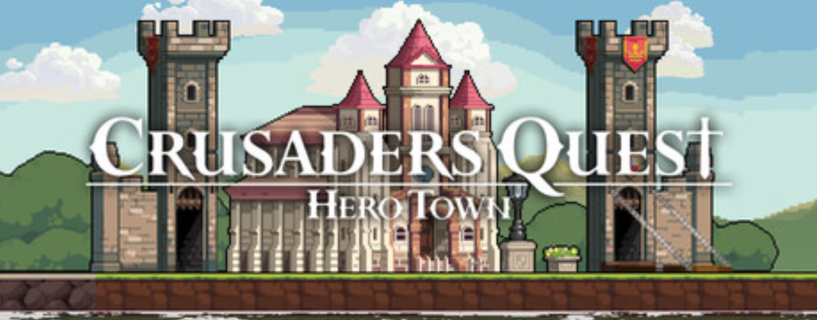
Crusaders Quest Hero Town is a desktop idle RPG released on March 31, 2026, developed by CQ Labs and published by LoadComplete. It is available on Steam for both Windows and macOS. The game is built around a simple idea: you pick heroes, build a small town, and let everything run while you do other things.
It is not a game you sit down and grind for hours. You open it, check in, make a few decisions, and move on. The town grows passively. Heroes fight monsters on their own. Resources come in without you watching every second.
Think of it less like a traditional RPG and more like a desktop companion that also happens to be a game.
Core Gameplay Features
Pick Your Heroes and Build a Party
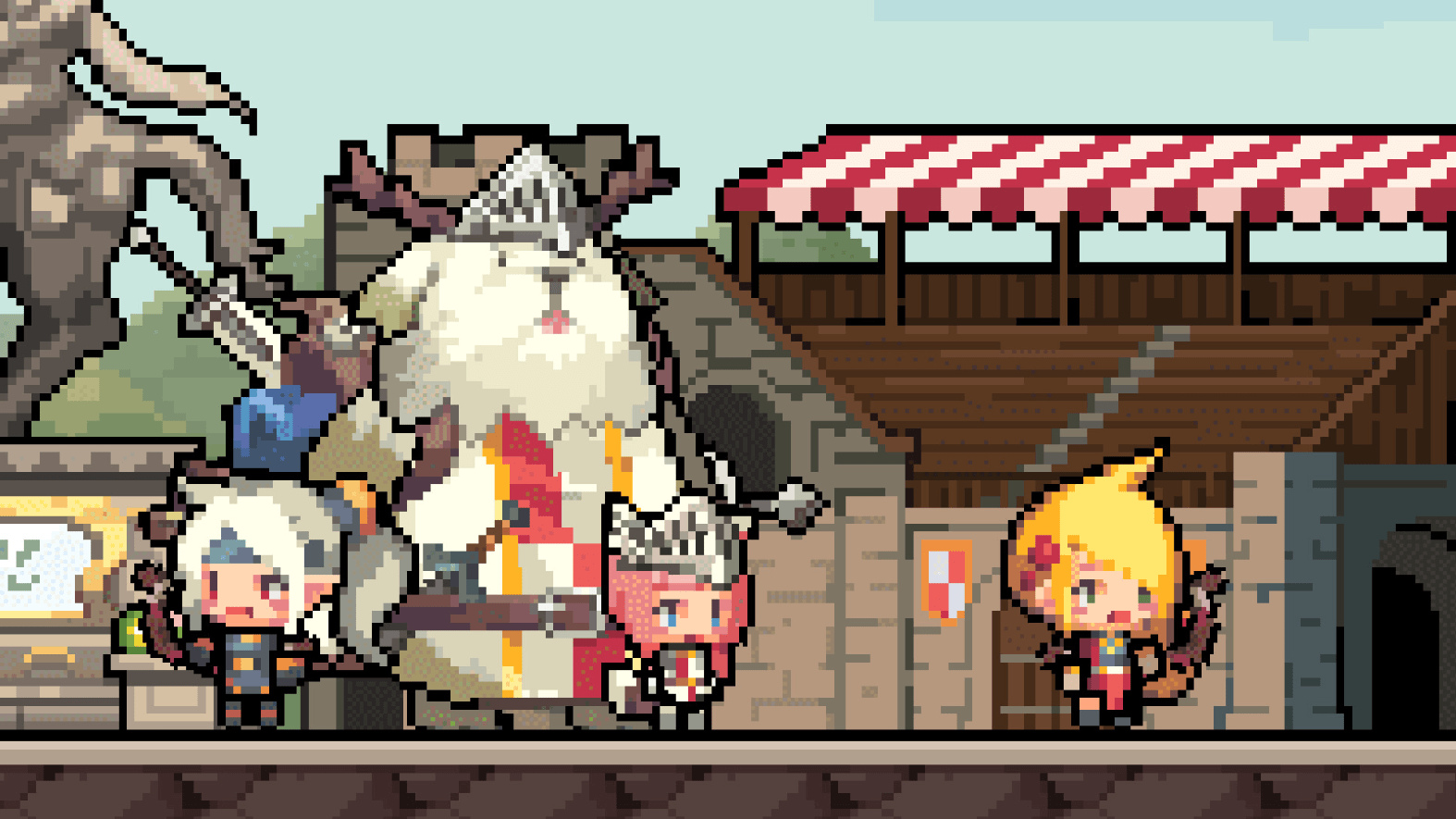
You choose which heroes join your town. Each one has a role, and you mix them together to form a party. The heroes you pick affect how your town fights and grows. Some players go with a balanced team early on. Others stack one type of hero and adjust later. I personally went with a front-heavy party to start because I wanted faster monster clears while I was away from the screen.
Build and Decorate Hero Town
Buildings in Hero Town actually serve a purpose. They support your hero party by giving buffs, unlocking new features, or providing resting spots. Decorating the town is optional but it adds to the whole feel of having something that is yours. The pixel art style makes the town look clean even when it is packed with buildings.
Heroes Fight Monsters Automatically
The heroes patrol the area around the town and fight monsters without you doing anything. Combat is automatic. You earn resources from these fights, and those resources go toward building upgrades and hero growth. The loop is simple but it works well as a background game.
Promote Heroes and Use the Growth Skill Tree
Heroes get stronger through promotion. There is also a growth skill tree that lets you push your town heroes further. This gives you something meaningful to decide when you do check in. You are not just watching numbers go up. You are making small choices that shape how your town develops over time.
Collect Fruits from the Orchard
There are orchards around the town that produce fruit over time. You collect the fruit and give it to your heroes as gifts. It is a small mechanic but it adds a reason to come back regularly without feeling like a chore.
PC System Requirements
Before downloading, check whether your PC meets the requirements. The game is not demanding but you want to make sure it runs smoothly alongside your other open applications.
Minimum Requirements (Windows)
- OS: Windows 10 or 11, 64-bit
- Processor: AMD Ryzen 3 1200 or Intel Core i3-6100
- Memory: 8 GB RAM
- Graphics: AMD Radeon RX 460 or NVIDIA GeForce GTX 750
- DirectX: Version 12
- Network: Broadband internet connection
- Storage: 1 GB available space
Recommended Requirements (Windows)
- OS: Windows 10 or 11, 64-bit
- Processor: AMD Ryzen 3 1200 or Intel Core i5-6400
- Memory: 8 GB RAM
- Graphics: AMD Radeon RX 470, Intel Arc A750, or NVIDIA GeForce GTX 1060 with 6GB VRAM
- DirectX: Version 12
- Network: Broadband internet connection
- Storage: 1 GB available space
macOS is also supported. Check the Steam store page for updated macOS requirements as they may change after launch.
How to Download Crusaders Quest Hero Town
- Open Steam on your PC or download and install the Steam client if you do not have it yet.
- Search for Crusaders Quest Hero Town in the Steam search bar.
- Go to the game page and click the download or install button.
- Wait for the 1 GB file to download and install.
- Launch the game and follow the initial setup to start building your first hero town.
The game requires an active internet connection to run, so make sure you are connected before launching.
Full Controller Button Layout Guide for PC and Xbox
Crusaders Quest Hero Town works well with both mouse and keyboard on PC, but if you prefer a controller, especially an Xbox controller connected via USB or Bluetooth, here is a complete breakdown of the button layout.
Note that since the game launched on March 31, 2026, some control mappings may receive updates. Always check the in-game settings menu for the latest bindings.
Xbox Controller Layout
| Button / Input | Action in Game |
|---|---|
| Left Stick | Move the camera or scroll the town view |
| Right Stick | Adjust zoom level or rotate town view |
| A Button | Confirm selection or interact with a building or hero |
| B Button | Cancel or go back to previous menu |
| X Button | Open hero management or quick hero info panel |
| Y Button | Open the town build menu |
| Left Bumper (LB) | Cycle left through active heroes or menu tabs |
| Right Bumper (RB) | Cycle right through active heroes or menu tabs |
| Left Trigger (LT) | Hold to bring up secondary action options |
| Right Trigger (RT) | Confirm placement when building or decorating |
| D-Pad Up | Access town overview or map |
| D-Pad Down | Quick access to orchard or fruit collection |
| D-Pad Left | Navigate to previous building or structure |
| D-Pad Right | Navigate to next building or structure |
| Start Button | Open the main settings or pause menu |
| Select / Back Button | Open the quest log or daily task list |
| Left Stick Click (L3) | Reset camera to default town view |
| Right Stick Click (R3) | Toggle hero highlight mode on the map |
PC Keyboard and Mouse Layout
| Key / Input | Action in Game |
|---|---|
| Left Click | Select hero, building, or interact with objects |
| Right Click | Cancel selection or open context menu |
| Scroll Wheel Up | Zoom in on the town |
| Scroll Wheel Down | Zoom out from the town |
| WASD or Arrow Keys | Pan the camera around the town |
| E | Open hero party management |
| B | Open the build menu |
| F | Go to orchard or fruit collection view |
| M | Open the full town map |
| Q | Open quest log or daily missions |
| Tab | Cycle through active heroes |
| Escape | Close current menu or open settings |
| Space | Center camera on current active hero |
| 1 to 5 | Quick select hero slots in your active party |
| Ctrl + Z | Undo last building placement |
| R | Rotate selected building before placing |
| G | Open growth skill tree for selected hero |
If you use an Xbox controller on PC via Steam Input, the controller layout activates automatically. You can also remap any button from Steam Settings > Controller > Edit Layout. I found it helpful to remap fruit collection to the D-Pad Down for faster orchard runs during short work breaks.
Tips for New Players
When you first start, focus on getting two or three buildings up before anything else. The buildings that boost combat speed help your heroes grow faster passively. Do not spend early resources on decorations until your hero party can handle the monsters around town without stopping.
Check back every hour or two rather than every few minutes. The game rewards patience. Collect your fruit, pick up resources, make a skill tree decision, and then let it run again. That rhythm works much better than trying to micromanage it.
Promotion materials take time to gather. Do not rush promotions early. Let your heroes stay at a comfortable level while you build up the town, then promote in batches once you have enough material saved.
Who Should Play This Game?
If you work from home or spend long hours at a desk, this game fits that lifestyle. It does not demand your attention. It sits there, grows slowly, and gives you something small to look forward to during breaks. People who enjoy idle games, town builders, or light RPG progression will find something here.
If you need constant action and engagement, this is probably not your type of game. It is slow by design. That is either exactly what you want or it is not for you at all.
Official and Useful Resources
- Steam Store for downloading the game and reading user reviews as they come in
- Steam Support for technical issues after download
- AMD Graphics Drivers if you need to update your GPU drivers before playing
- NVIDIA Driver Downloads for NVIDIA GPU users to ensure DirectX 12 compatibility
Frequently Asked Questions
Is Crusaders Quest Hero Town free to play?
As of the March 31, 2026 release, the game is available on Steam. Check the Steam page for the current pricing model, as free to play status or any base price may change after launch.
Does Crusaders Quest Hero Town work on macOS?
Yes, macOS is listed as a supported platform. The exact macOS version requirements are available on the Steam store page for the game.
Can I play Crusaders Quest Hero Town without an internet connection?
No. The game requires a broadband internet connection to run. It is listed as a system requirement for both minimum and recommended setups.
How much storage does the game need?
You need at least 1 GB of free storage space to install the game.
Does the game support Xbox or PlayStation controllers on PC?
Yes, the game supports controller input on PC. Xbox controllers work through Steam Input. PlayStation controllers can also be configured through Steam’s controller settings.
Is Crusaders Quest Hero Town related to the original Crusaders Quest mobile game?
The game shares the Crusaders Quest name and pixel art hero style but it is built specifically as a desktop idle experience by CQ Labs. It is a separate product from the original mobile game.
Can I run the game in the background while using other programs?
Yes. The game is designed to run alongside your other open applications on a second monitor or as a minimized window. The idle mechanics continue even when you are not actively watching.
What is the growth skill tree in Hero Town?
The growth skill tree is a progression system that lets you invest in specific upgrades for your town heroes. It gives you meaningful choices each time you log in rather than purely passive growth.
How do fruits work in the game?
Orchards around your town produce fruit over time. You collect the fruit and give it to your heroes as gifts, which contributes to their growth and relationship with your town.
Who developed Crusaders Quest Hero Town?
The game was developed by CQ Labs and published by LoadComplete. It released on Steam on March 31, 2026.
Download Links
If you are facing any issue in downloading or need assistance Click here .